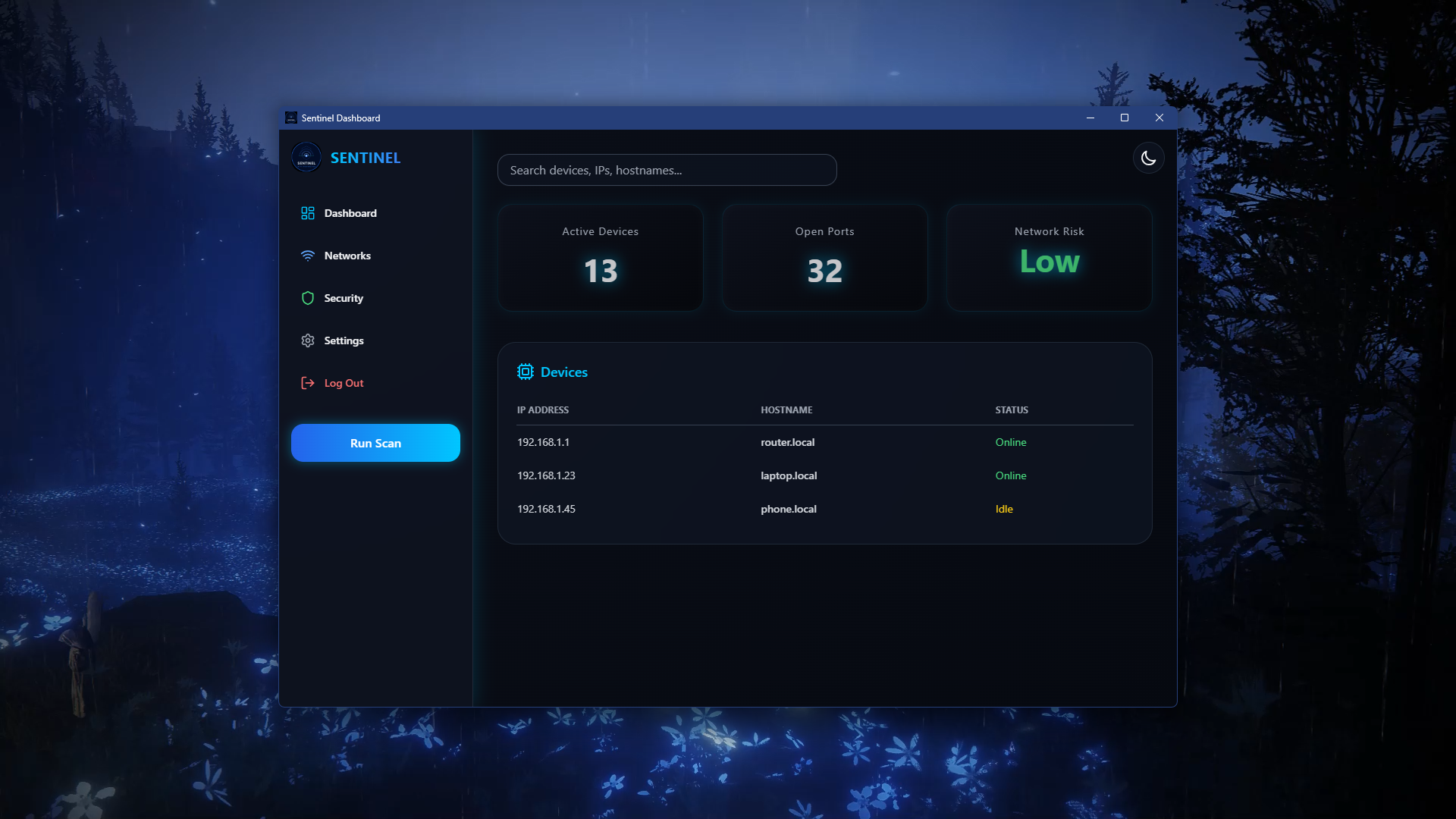
Dashboard
Get a real-time overview of your entire network. Monitor device activity, traffic trends, and security status at a glance. See active devices, open ports, and overall risk level the moment you log in.
- Active device count
- Open port monitoring
- Network risk indicator
- Device hostname table
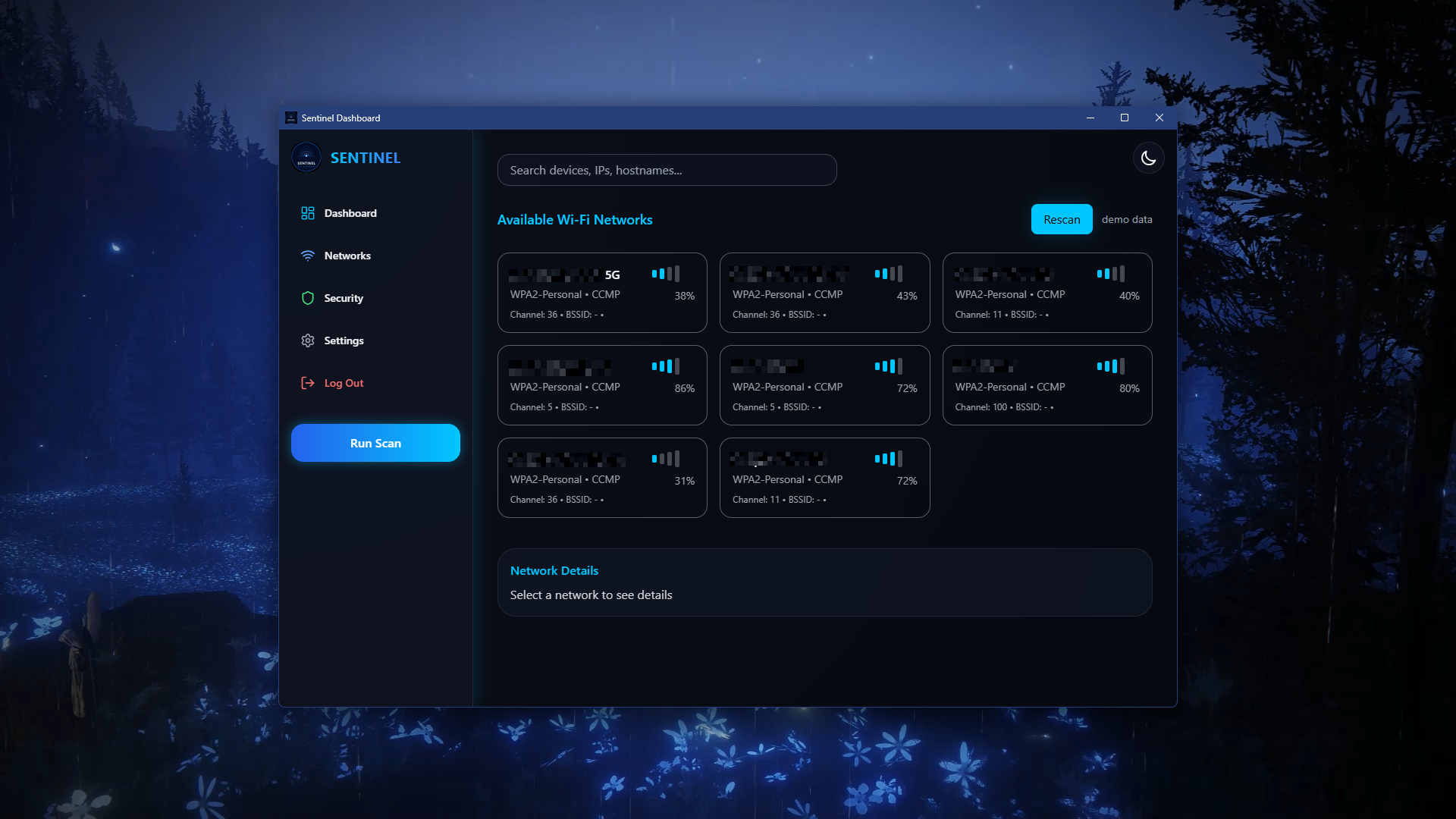
Networks Panel
View all available and connected networks. Quickly see connection strength, IP details, and network type for each device on your local network.
- Signal strength display
- IP address details
- Network type classification
- Quick connect overview
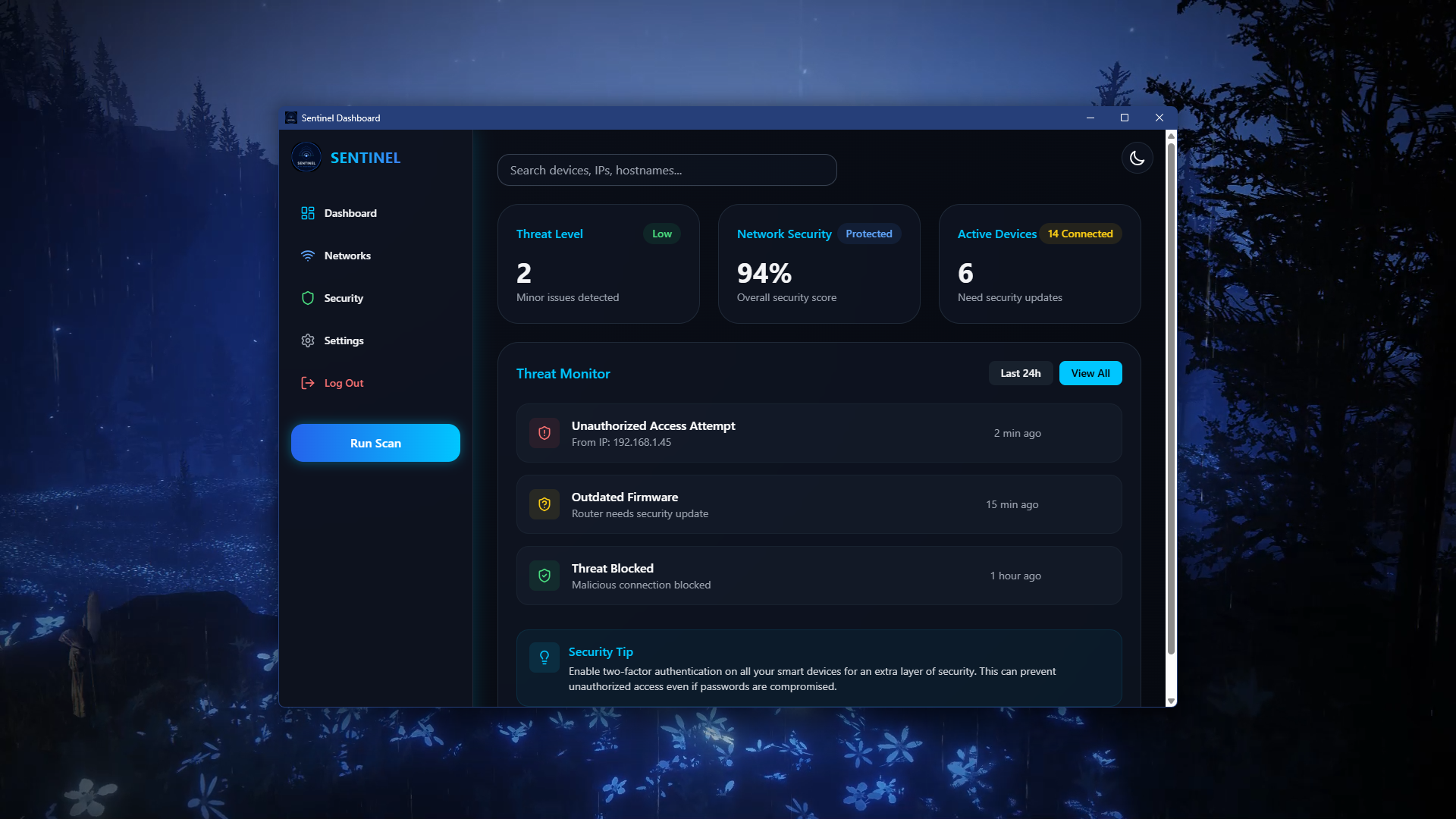
Security Overview
Stay protected with instant alerts and vulnerability reports. Manage firewalls, monitor suspicious activity, and keep your network safe with a comprehensive threat monitor.
- Threat level score
- Unauthorized access alerts
- Outdated firmware warnings
- Blocked threat log
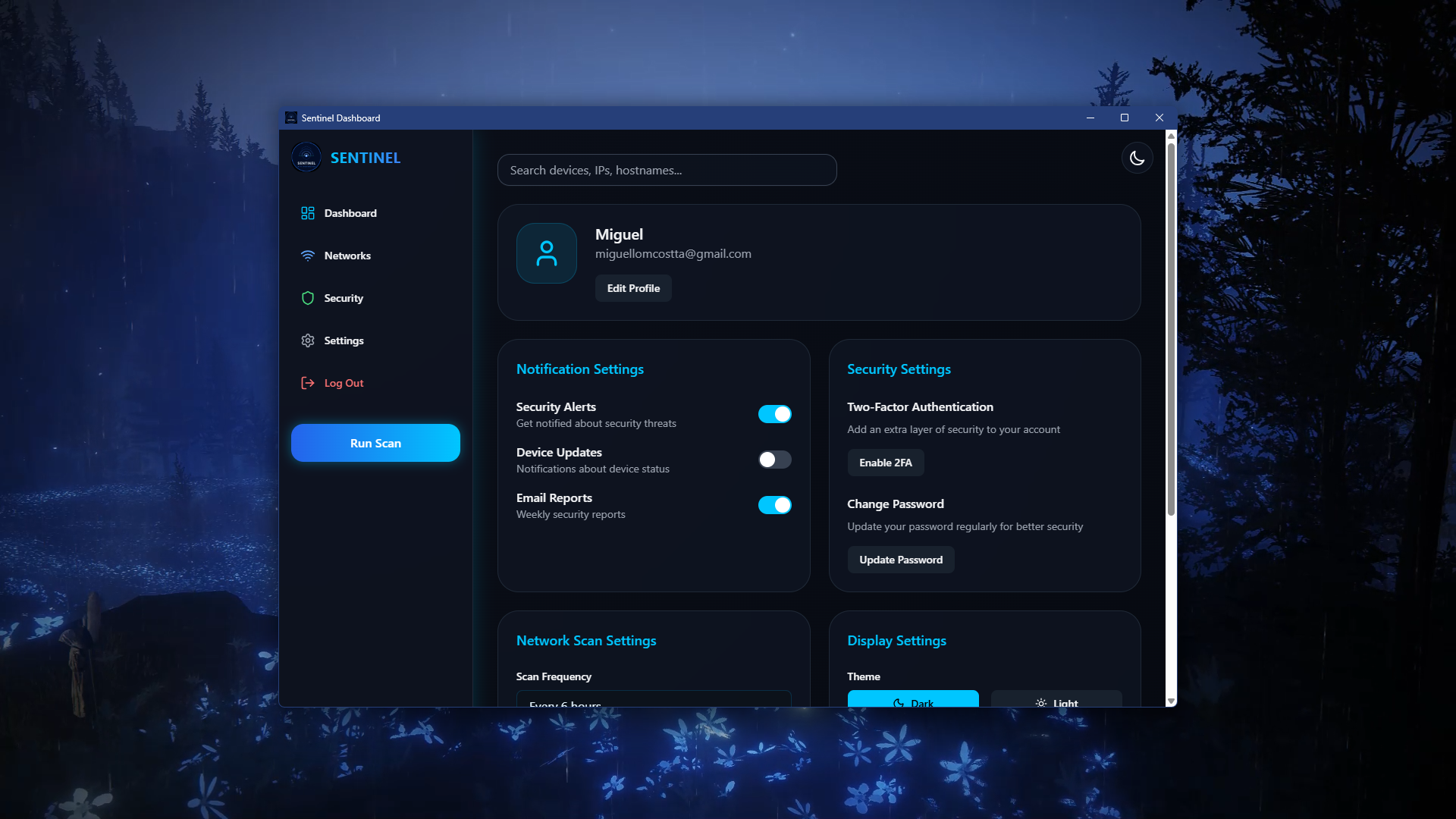
App Settings
Customize your app experience. Configure notifications, themes, privacy options, and advanced network preferences. Enable 2FA and update your password from one unified settings panel.
- Notification controls
- Two-factor authentication
- Dark / Light theme toggle
- Scan frequency settings
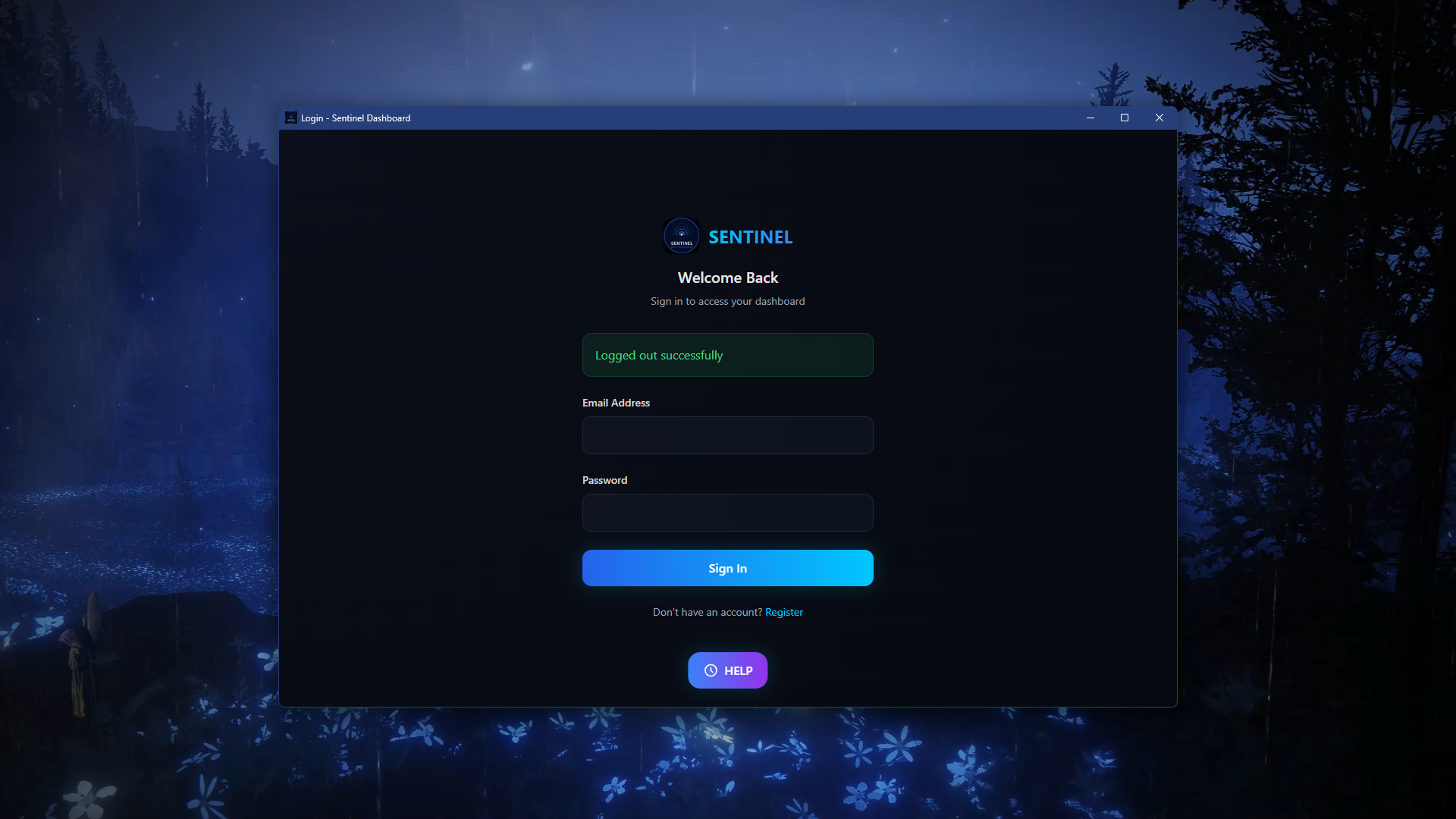
Login
Securely access your Sentinel account. Enter your credentials to unlock full network monitoring and control features. Clean, focused sign-in that gets you to your dashboard fast.
- Secure credential entry
- Session management
- Quick register access
- Help button always visible
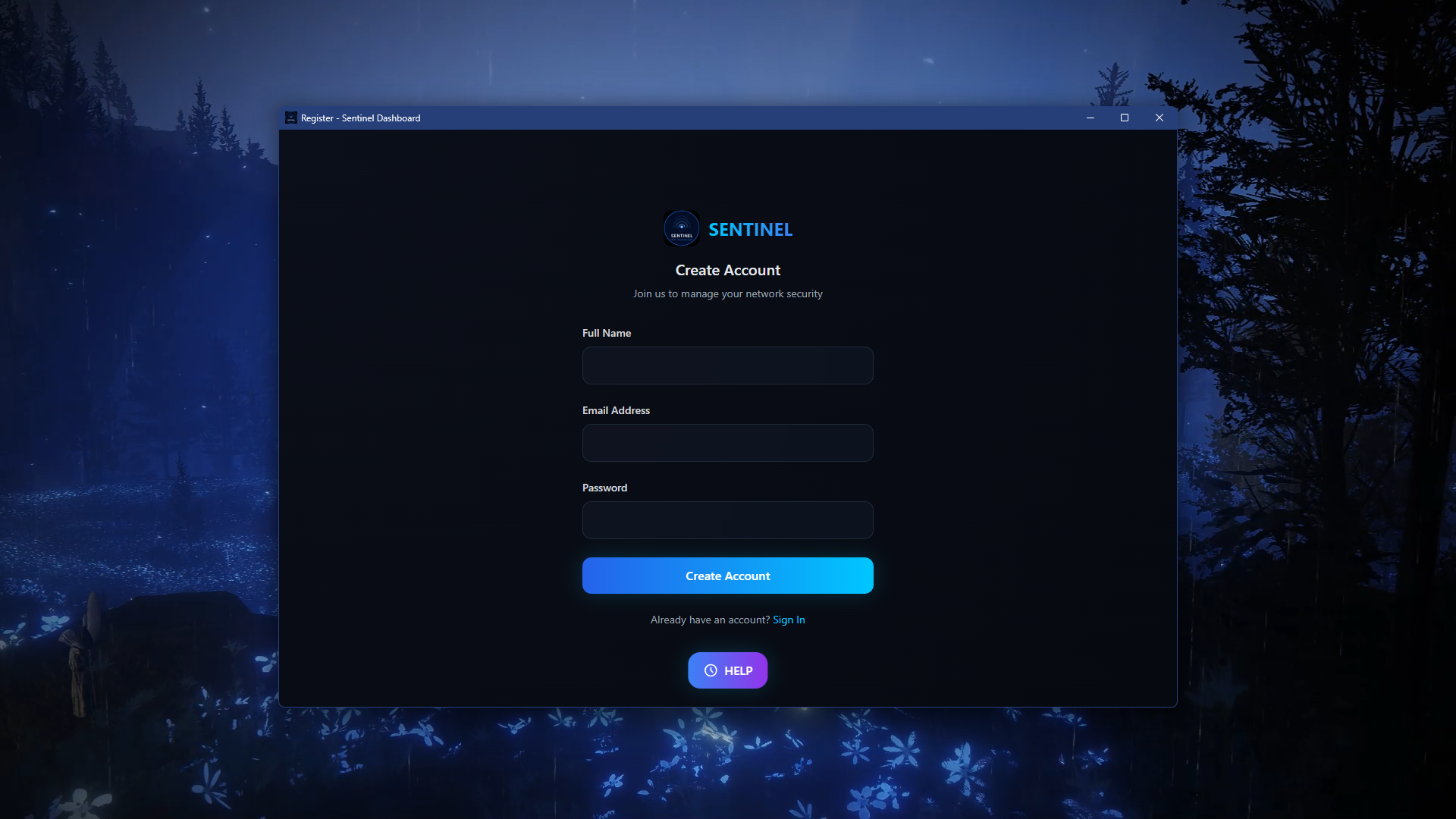
Register
Create a new Sentinel account to start monitoring your network. Quick, secure, and easy to set up — just your name, email, and a password to get started.
- Simple account creation
- Email verification
- Instant dashboard access
- Secure password setup
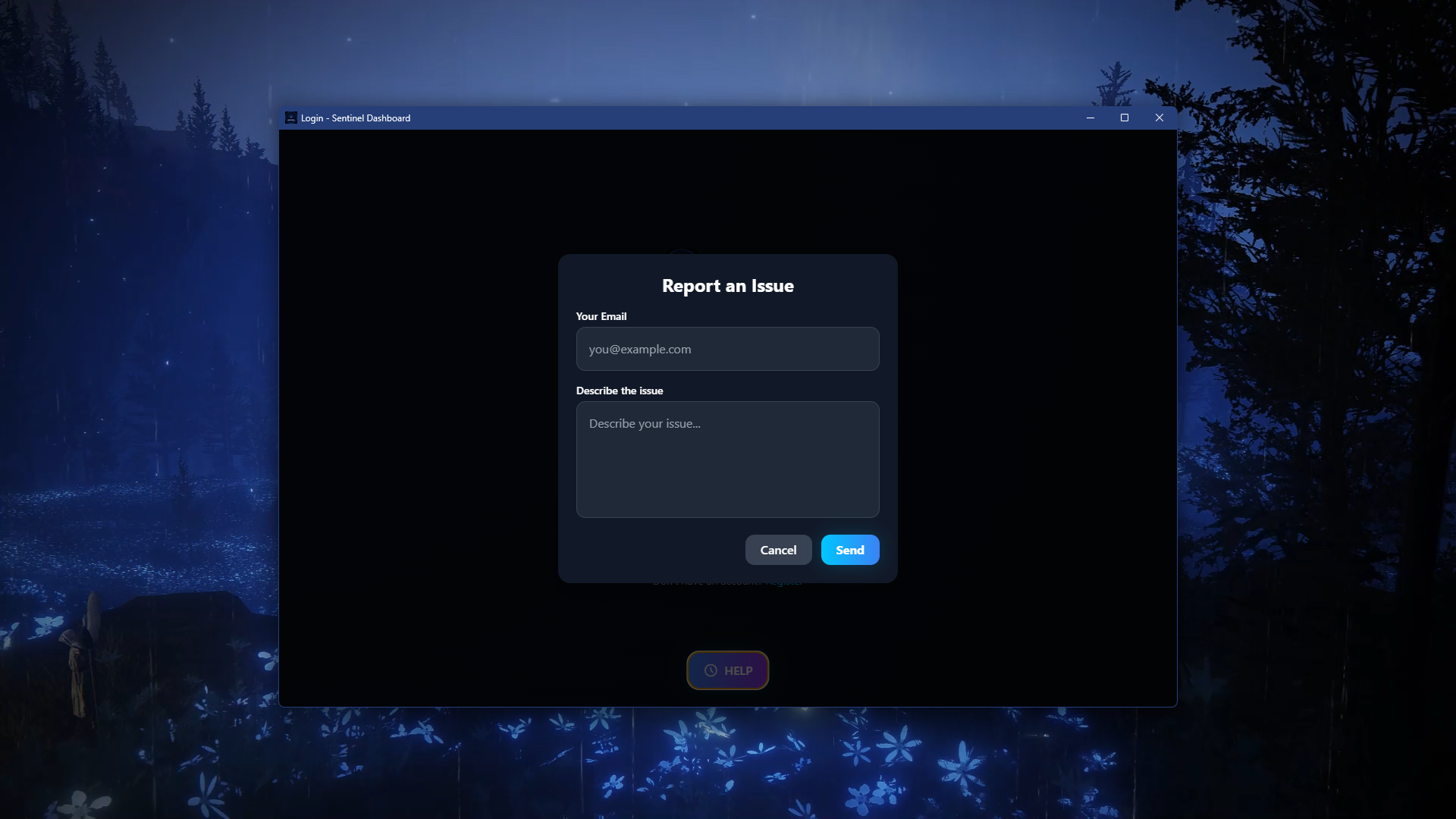
Help & Support
Access guides, troubleshooting tips, and FAQs. Report an issue directly from the app with your email and a description — the support team is always a tap away.
- In-app issue reporting
- Direct email support
- FAQ access
- Troubleshooting guides